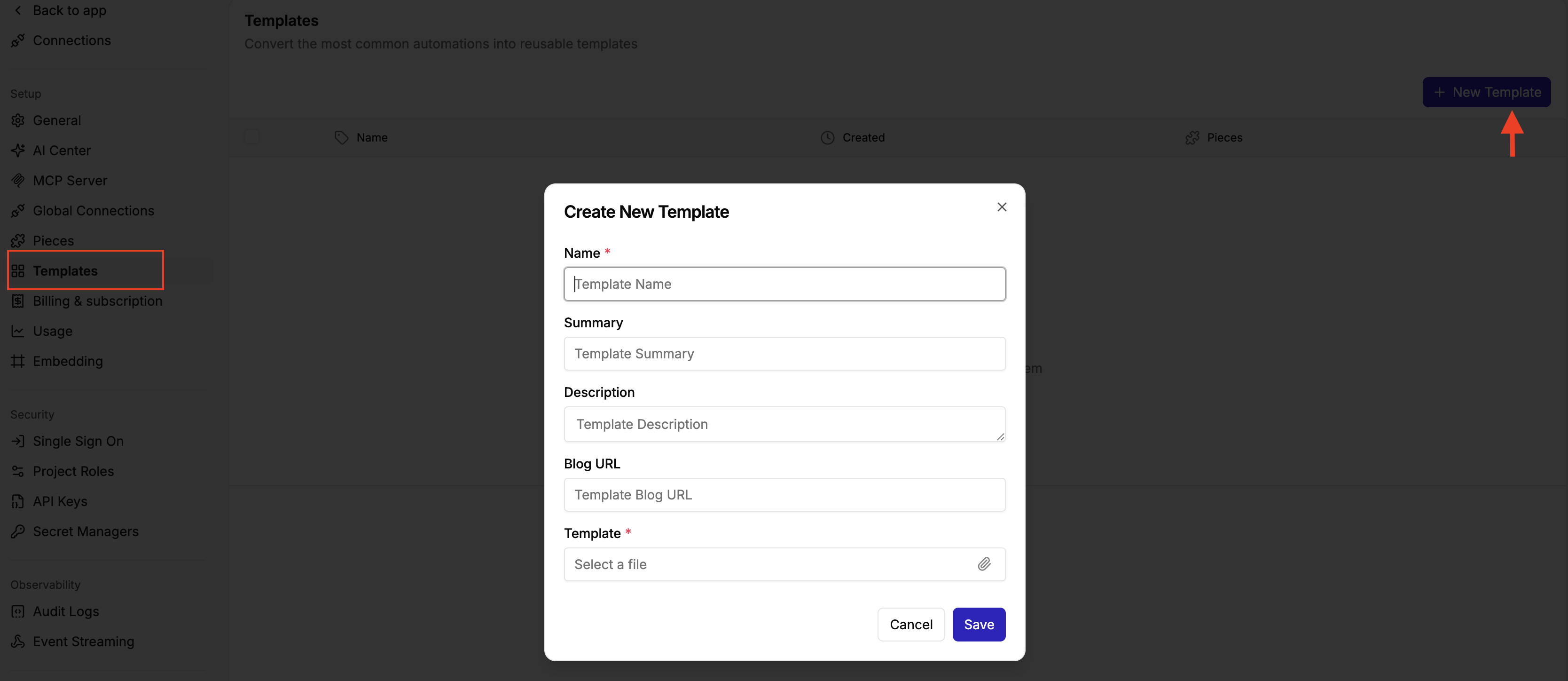
How to Create a Template
Step 1: Export the flow you want to convert to a template Step 2: Navigate to your platform admin Step 3: Click Template on the left side bar Step 4: Click on New template Step 5: Add the Template Name, Summary , Description and Blog URL or Setup Guide URL Step 6: Add the template file